
JPG vs PNG vs WEBP: Differences, Best Uses & Which Image Format Should You Choose?
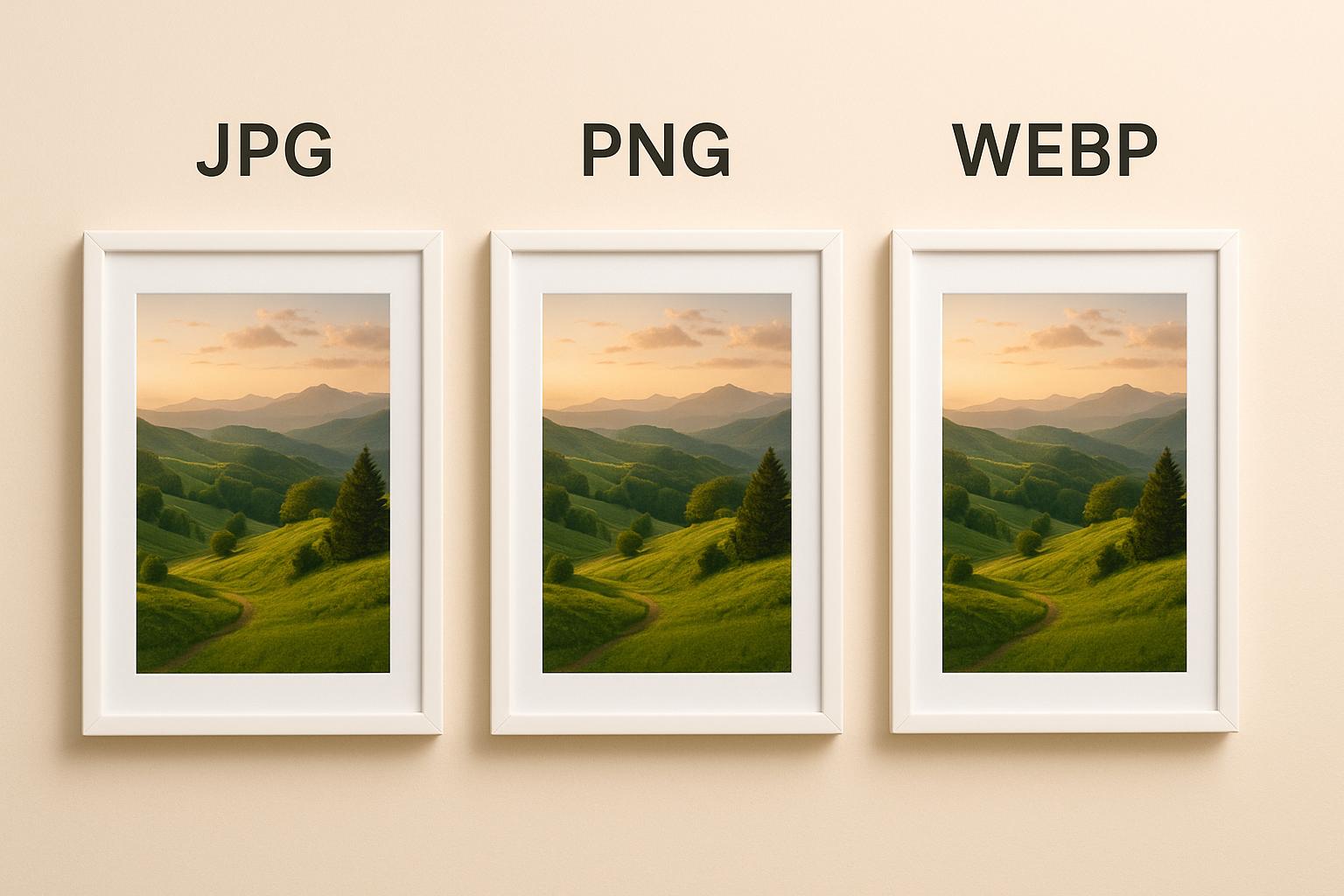
JPG vs PNG vs WEBP: Understanding the Most Popular Image Formats
If you've ever downloaded an image or uploaded one to a website, you've probably noticed file extensions like .jpg, .png, or .webp. While they may seem similar at first glance, each image format is designed for a different purpose. Choosing the right format can improve website speed, preserve image quality, reduce file size, and even contribute to better SEO.
Many people simply save images in whichever format they receive them, but understanding when to use JPG, PNG, or WEBP can make a significant difference. For example, a photographer usually prefers JPG for photos, a designer often uses PNG for logos with transparent backgrounds, while modern websites increasingly rely on WEBP to improve loading speed.
In this guide, we'll compare JPG, PNG, and WEBP in detail, explain their strengths and weaknesses, and help you decide which image format is best for different situations.
What is JPG (JPEG)?
JPG, also known as JPEG (Joint Photographic Experts Group), is one of the oldest and most widely used image formats. It uses lossy compression, which reduces file size by removing some image data that is less noticeable to the human eye. The result is a much smaller image while maintaining good visual quality.
Because JPG files are compact and universally supported, they have become the standard format for digital cameras, smartphones, websites, social media platforms, and everyday photography. Nearly every browser, operating system, and image editing application supports JPG without requiring additional software.
The biggest advantage of JPG is its excellent balance between image quality and file size. A high-resolution photograph can often be compressed dramatically while still looking almost identical to the original, making JPG ideal for sharing and storing photos.
Best Uses of JPG
- Digital photographs
- Travel and family pictures
- Product images
- Blog featured images
- Social media uploads
- Email attachments
Advantages of JPG
- Small file sizes with good image quality.
- Loads quickly on websites.
- Supported by almost every browser and device.
- Excellent choice for colorful photographs.
Limitations of JPG
- Image quality decreases every time it's compressed.
- Does not support transparent backgrounds.
- Not suitable for logos, icons, or images containing sharp text.
What is PNG?
PNG (Portable Network Graphics) was created to preserve image quality without sacrificing detail. Unlike JPG, PNG uses lossless compression, meaning it keeps every pixel intact. No image data is discarded during compression, making PNG ideal for graphics where quality is more important than file size.
One of PNG's biggest advantages is support for transparent backgrounds. This feature makes PNG the preferred format for logos, icons, illustrations, screenshots, and user interface elements that need to blend seamlessly into different backgrounds.
Since PNG preserves every detail, its file sizes are generally much larger than JPG images. While that's perfect for editing and graphics, using too many PNG images on a website can increase page size and slow loading times.
Best Uses of PNG
- Company logos
- Transparent graphics
- Icons and illustrations
- Screenshots
- User interface elements
- Images containing text or sharp edges
Advantages of PNG
- Lossless image quality.
- Supports transparency.
- Excellent for graphics and design work.
- No visible compression artifacts.
Limitations of PNG
- Significantly larger file sizes.
- Can negatively affect website loading speed.
- Not the best option for large collections of photographs.
What is WEBP?
WEBP is a modern image format developed by Google to provide the best possible balance between image quality and file size. Unlike JPG and PNG, WEBP supports both lossy and lossless compression, while also supporting transparent backgrounds. This makes it a highly versatile format suitable for almost every type of web image.
One of the biggest reasons WEBP has become so popular is its ability to produce much smaller file sizes without a noticeable loss in visual quality. In many cases, a WEBP image can be 25–35% smaller than an equivalent JPG and even more efficient than a PNG. Smaller images mean faster page loading, lower bandwidth usage, and a better browsing experience for visitors.
Today, most modern browsers fully support WEBP, making it an excellent choice for blogs, business websites, eCommerce stores, landing pages, portfolios, and almost any website where speed matters.
Best Uses of WEBP
- Website images
- Blog featured images
- eCommerce product photos
- Landing pages
- Portfolio websites
- Images where quality and performance are equally important
Advantages of WEBP
- Much smaller file sizes than JPG and PNG.
- Excellent image quality.
- Supports transparent backgrounds.
- Improves website speed and Core Web Vitals.
- Recommended by Google for modern websites.
Limitations of WEBP
- Some older image editing software may not support WEBP.
- Occasionally needs conversion to JPG or PNG for compatibility with legacy applications.
JPG vs PNG vs WEBP: What's the Difference?
The biggest difference between these three formats is how they balance image quality, file size, and functionality.
- JPG is best for photographs because it offers small file sizes with good visual quality.
- PNG is ideal for graphics, screenshots, and transparent images because it preserves every detail.
- WEBP combines the advantages of both formats by providing smaller file sizes while supporting transparency and maintaining excellent quality.
If you're creating a website today, WEBP is usually the best option for most images. However, PNG is still the preferred choice for logos and graphics that require perfect transparency, while JPG remains an excellent format for sharing photographs across devices.
Why WEBP is Better for Websites
Website speed has become one of the most important ranking and user experience factors. Large images are often responsible for slow-loading pages, higher bandwidth usage, and poor Core Web Vitals scores. Switching from JPG or PNG to WEBP is one of the easiest ways to improve website performance without noticeably reducing image quality.
Because WEBP files are significantly smaller, pages load faster, visitors spend less time waiting, and mobile users consume less data. Faster websites generally provide a better user experience, lower bounce rates, and improved SEO performance.
Google also recommends using modern image formats like WEBP because they help optimize page speed. If you're running a blog, business website, portfolio, or online store, converting your existing images to WEBP can noticeably improve loading performance.
Which Image Format Should You Choose?
- Choose JPG for photographs and everyday images.
- Choose PNG for logos, icons, screenshots, and transparent graphics.
- Choose WEBP for websites, blogs, landing pages, and online stores where fast loading is important.
If you already have images in JPG or PNG format, you can easily convert them to WEBP using the Kivixa Image Converter. The tool supports batch image conversion, allowing you to convert multiple images at once, preview image details before downloading, and save all converted files together as a ZIP archive. Since every conversion happens directly in your browser, your images remain private and are never uploaded to external servers.
Final Thoughts
There isn't a single image format that's perfect for every situation. JPG remains the best option for photographs, PNG continues to be the preferred choice for transparent graphics and design assets, while WEBP has become the leading format for modern websites thanks to its impressive balance between image quality and file size.
If you're looking to improve website speed, optimize images for SEO, or simply reduce storage space without sacrificing quality, converting your images to WEBP is one of the smartest decisions you can make. With the Kivixa Image Converter, you can quickly convert JPG, PNG, and WEBP images individually or in batches—all directly in your browser without compromising your privacy.